Adding Tracks to a Session with Match
Search inside a session you own and use the Match score to find tracks that mix well.
3 min read. Updated June 25, 2026
When you search inside a session you own, StemFM scores each result against the session so you can see how well it will blend before you add it. That score is shown as a circular “Match” badge.
Add a track
- 1
Open a session you own
Matching only appears when you are adding to your own session.
- 2
Search
Type a song or artist. Results appear with a + to add each one, and a Match badge where StemFM has musical data for the track.
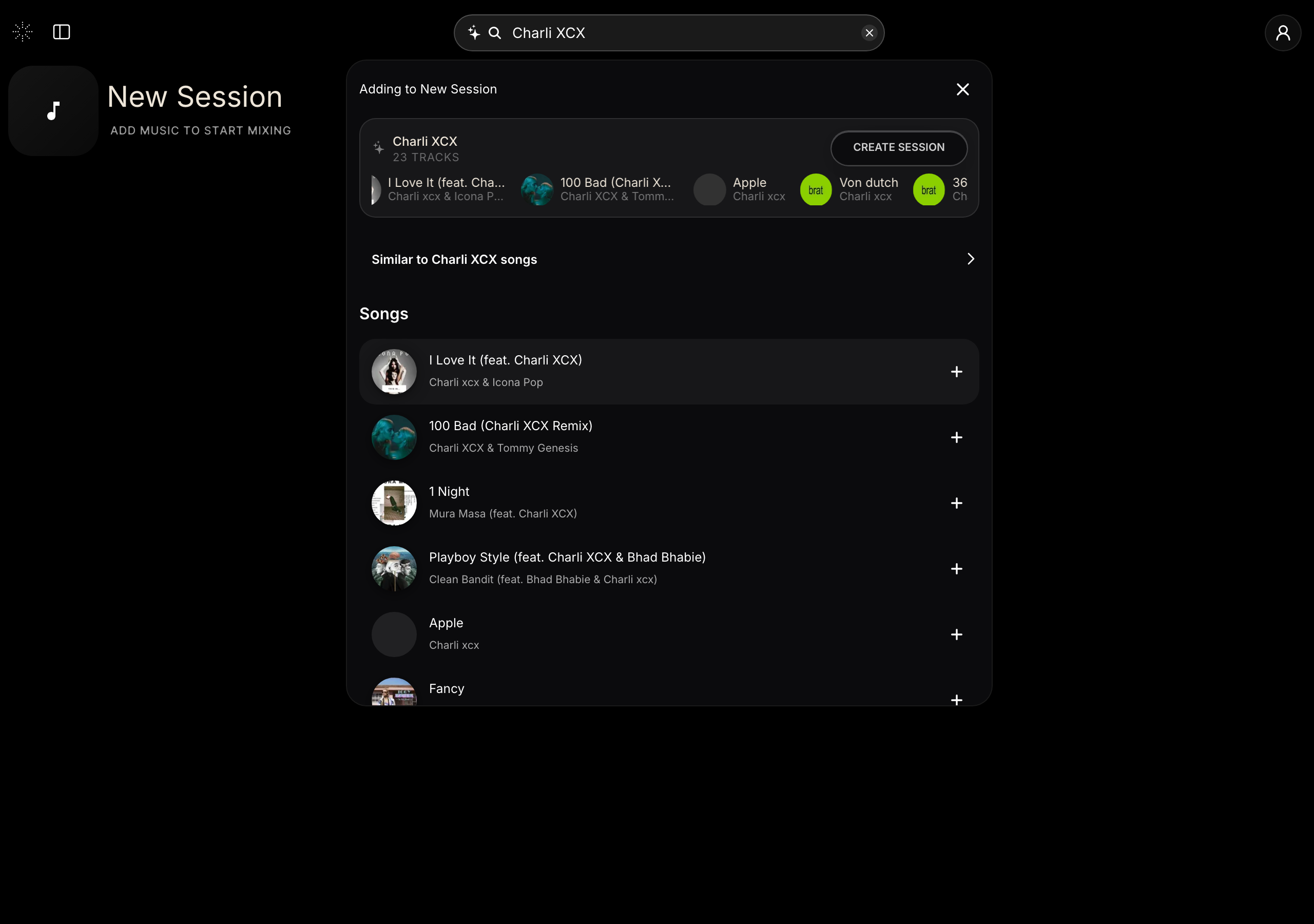
Search within your session and add tracks with the + button. - 3
Read the Match score
A higher percentage means a stronger harmonic and tempo fit. Hover the badge to see the track’s key and BPM.
- 4
Add it
Pick a result to drop it into your session.
Reading the badge
- Strong matches stand out — they share a compatible key and a close tempo.
- Good matches are still worth a try; expect to do a little more blending.
- Very low matches are hidden, so what you see is already worth considering.