Advanced Search Results
Show BPM and musical key next to every track in your search results.
2 min read. Updated June 25, 2026
Advanced search results add each song’s tempo (BPM) and musical key right next to it in the results list — useful when you are picking tracks that will mix well together.
Turn it on
- 1
Open Account Settings
Go to your account and open the Preferences tab.
- 2
Find “Advanced search results”
It sits in the Player section under the disc player toggle.
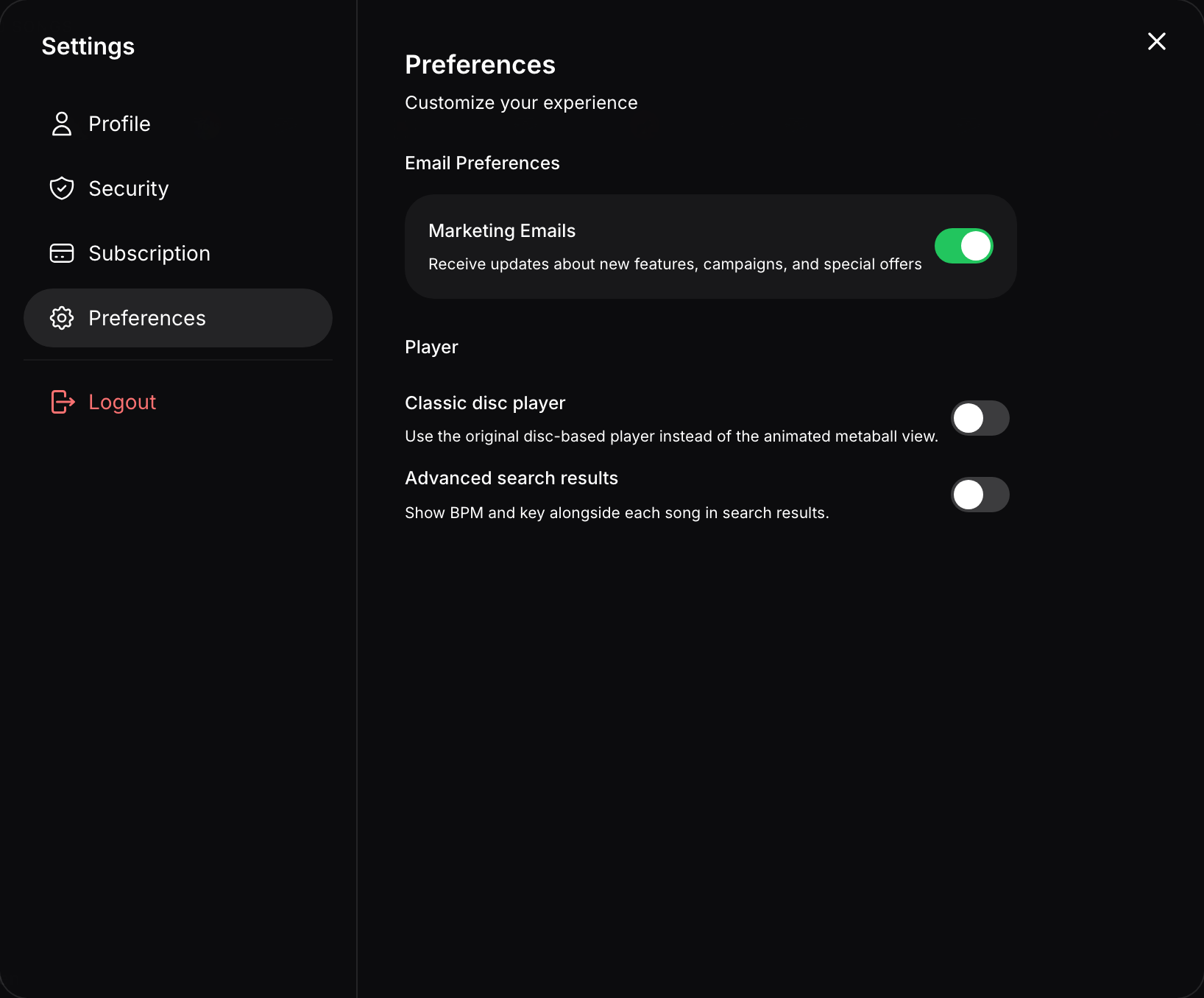
Preferences → Player has the Advanced search results toggle. - 3
Toggle it on
Search results now show BPM and key for each track.