Building and Sharing Playlists
Collect your favorite mixes into a playlist and share them with friends.
2 min read. Updated June 25, 2026
Playlists let you line up multiple sessions so they play back-to-back, with the same stem control on every track.
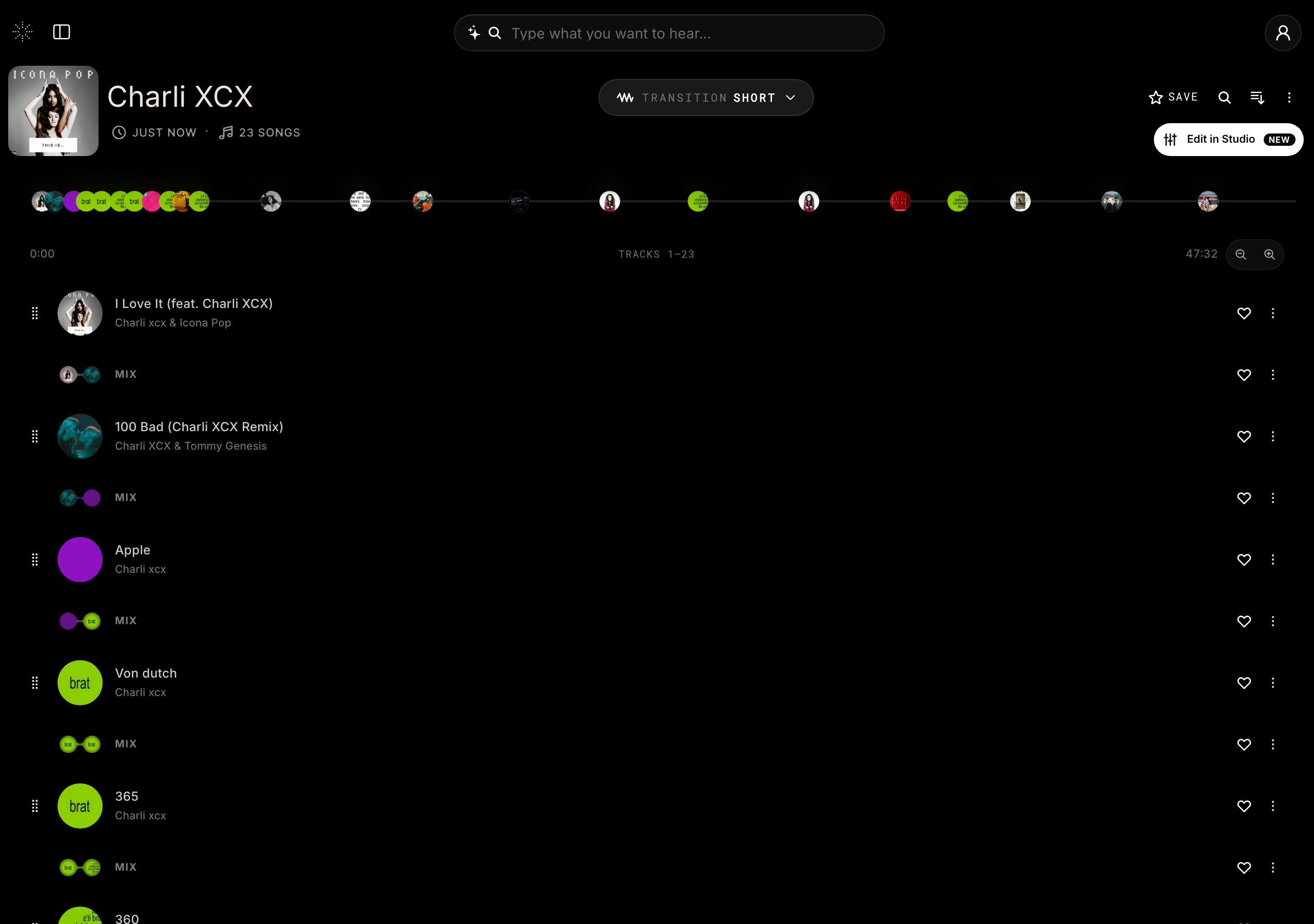
Build a playlist
- 1
Create a session
Search for and open the first song you want.
- 2
Add it to a playlist
Use the add control to start a new playlist or add to an existing one.
- 3
Keep adding
Repeat for each track. Reorder them however you like.
Share it
Open any playlist and use the share control to copy a link. Anyone who opens it gets the same interactive, stem-separated session you built.