Classic Disc Player vs Metaball View
Switch between the animated metaball player and the original disc-based player.
2 min read. Updated June 25, 2026
StemFM has two looks for the player. The default metaball view shows your stems as animated blobs that react to the music. The classic disc player uses the original disc-based layout instead.
Switch players
- 1
Open Account Settings
Go to your account and open the Preferences tab.
- 2
Find the Player section
Look for the “Classic disc player” toggle.
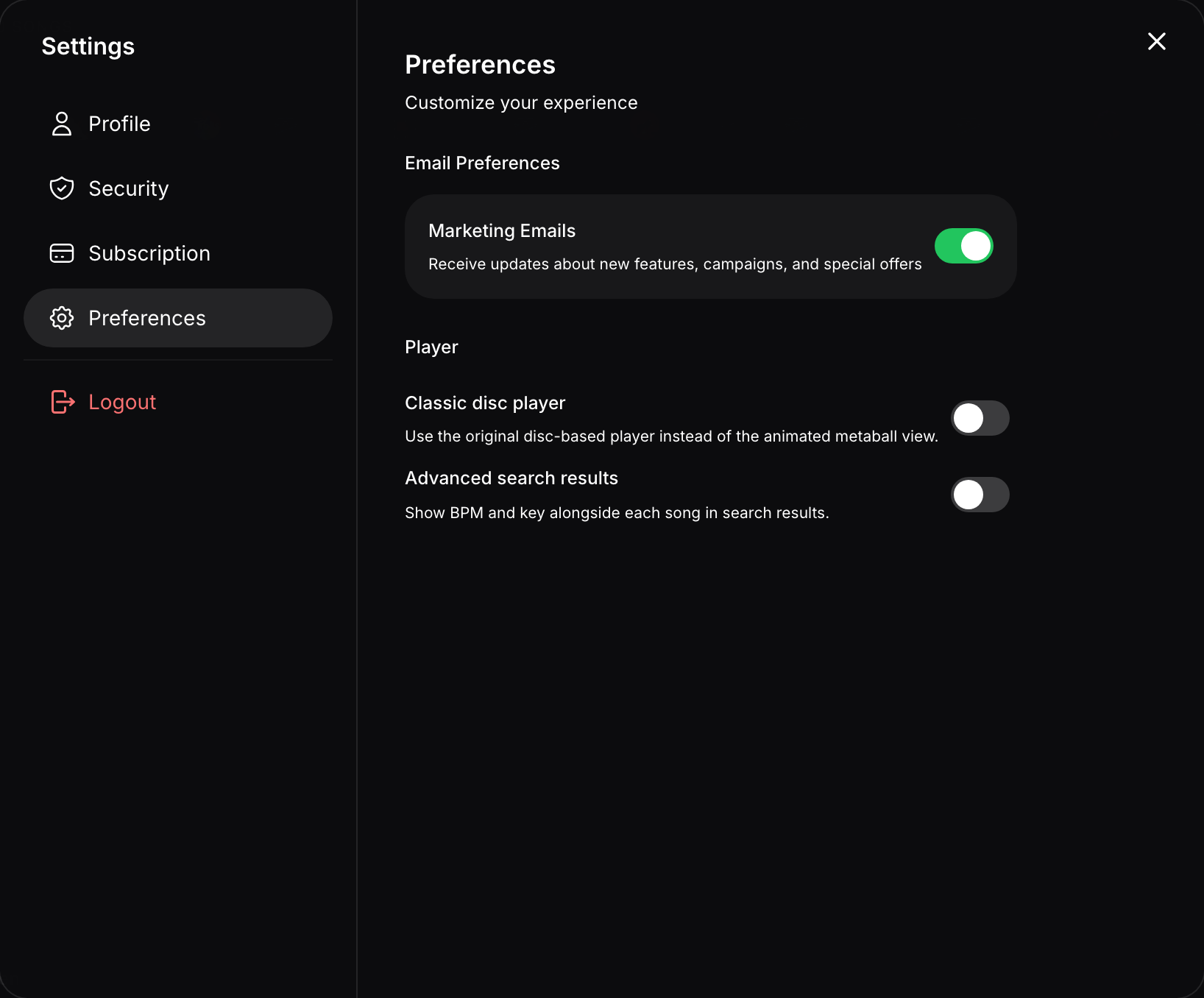
Preferences → Player has the Classic disc player toggle. - 3
Toggle it on or off
On uses the original disc-based player; off returns to the animated metaball view.