Creating a Session from a Text Prompt
Describe a feeling, scene, or idea and let StemFM build a session around it.
2 min read. Updated June 25, 2026
You do not need a song title to start. Describe a mood, a moment, or an idea in your own words and StemFM will assemble a session that fits — every track still fully splittable into stems.
Create from a prompt
- 1
Open the prompt input
Use the search bar and type a description instead of a song name.
- 2
Describe what you want
Try something evocative — “music that slows time”, “a coding playlist”, or “uplifting songs with sad lyrics”.
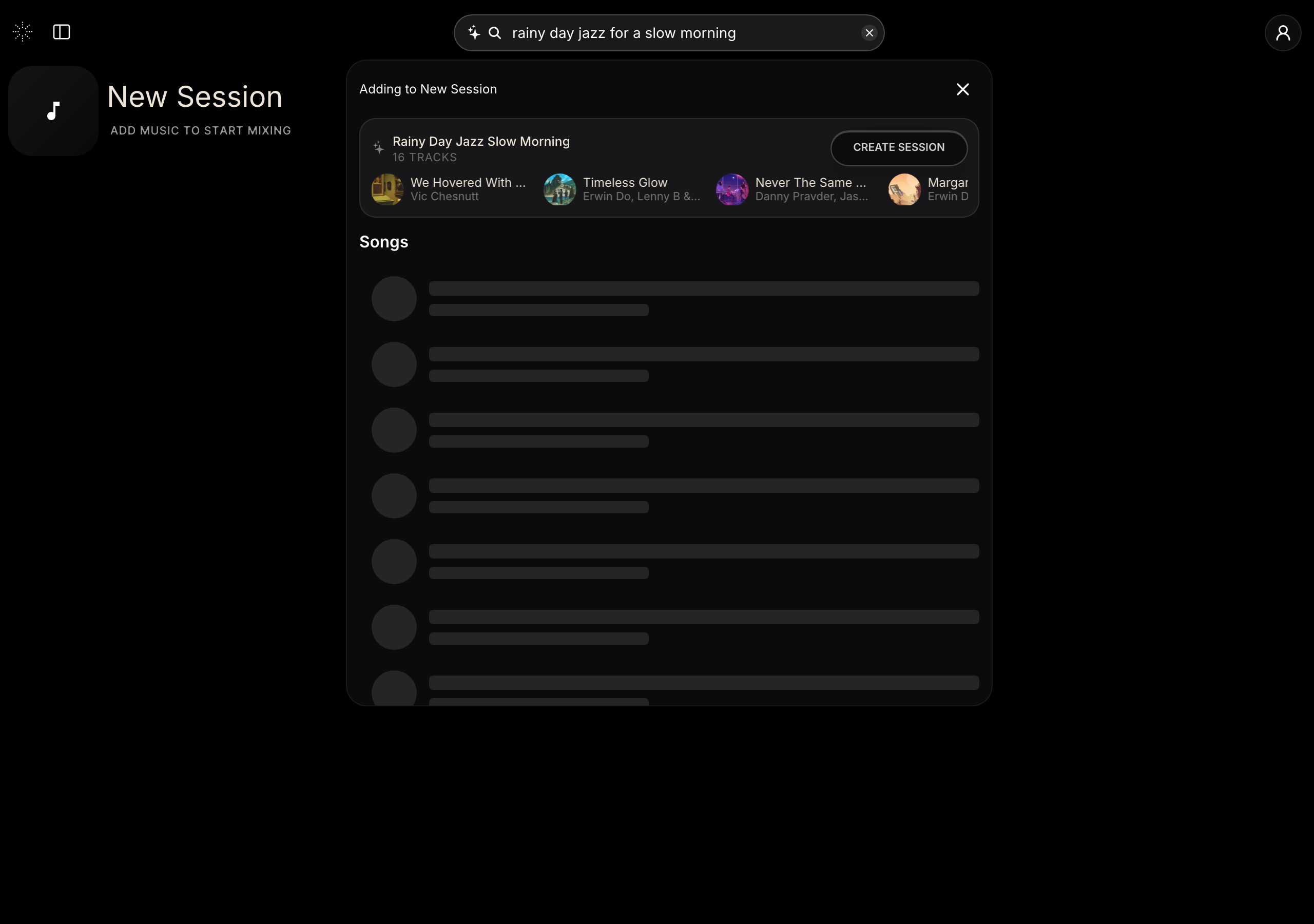
Describe a mood and StemFM gathers tracks to match. - 3
Let it build
StemFM interprets the prompt and gathers matching tracks into a session.
- 4
Play and refine
Open it like any session — mute stems, loop, and add more tracks.