Generate More Like This
Extend a session or station with more tracks in the same direction.
2 min read. Updated June 25, 2026
“Generate more like this” keeps a good thing going. Point it at a station and StemFM adds more tracks that follow the same feel, so your session keeps flowing without you curating every pick.
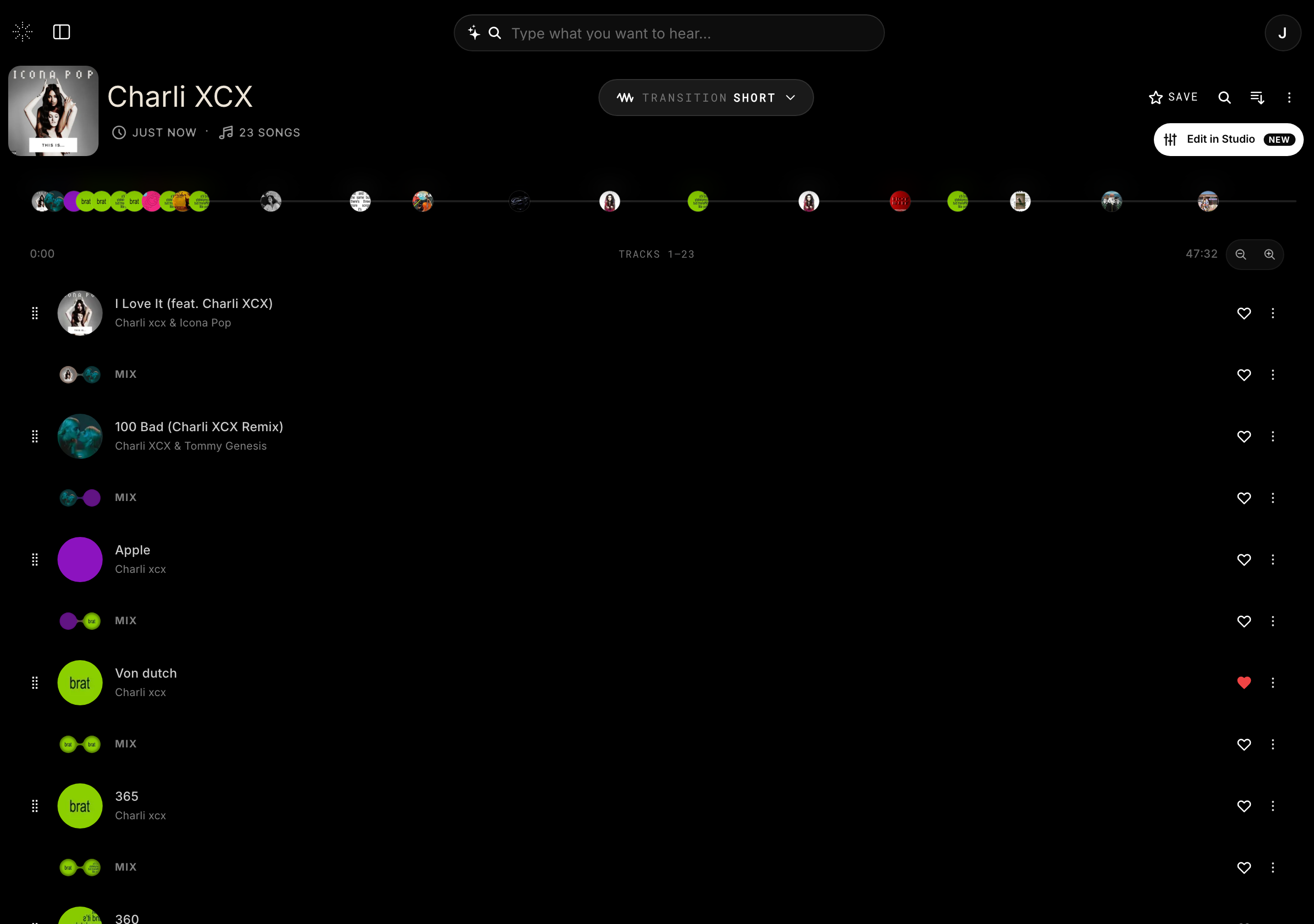
Generate more
- 1
Open the station menu
On a station, open its options menu.
- 2
Choose “Generate more like this”
StemFM begins adding tracks that match the station’s direction.
- 3
Stop any time
You can stop generation once you have enough, then keep listening.