Keyboard Shortcuts
Control playback and stems from the keyboard for faster, hands-free mixing.
2 min read. Updated June 25, 2026
On desktop, StemFM has keyboard shortcuts for the things you do most — playing, pausing, skipping, and toggling stems — so you can mix without reaching for the mouse.
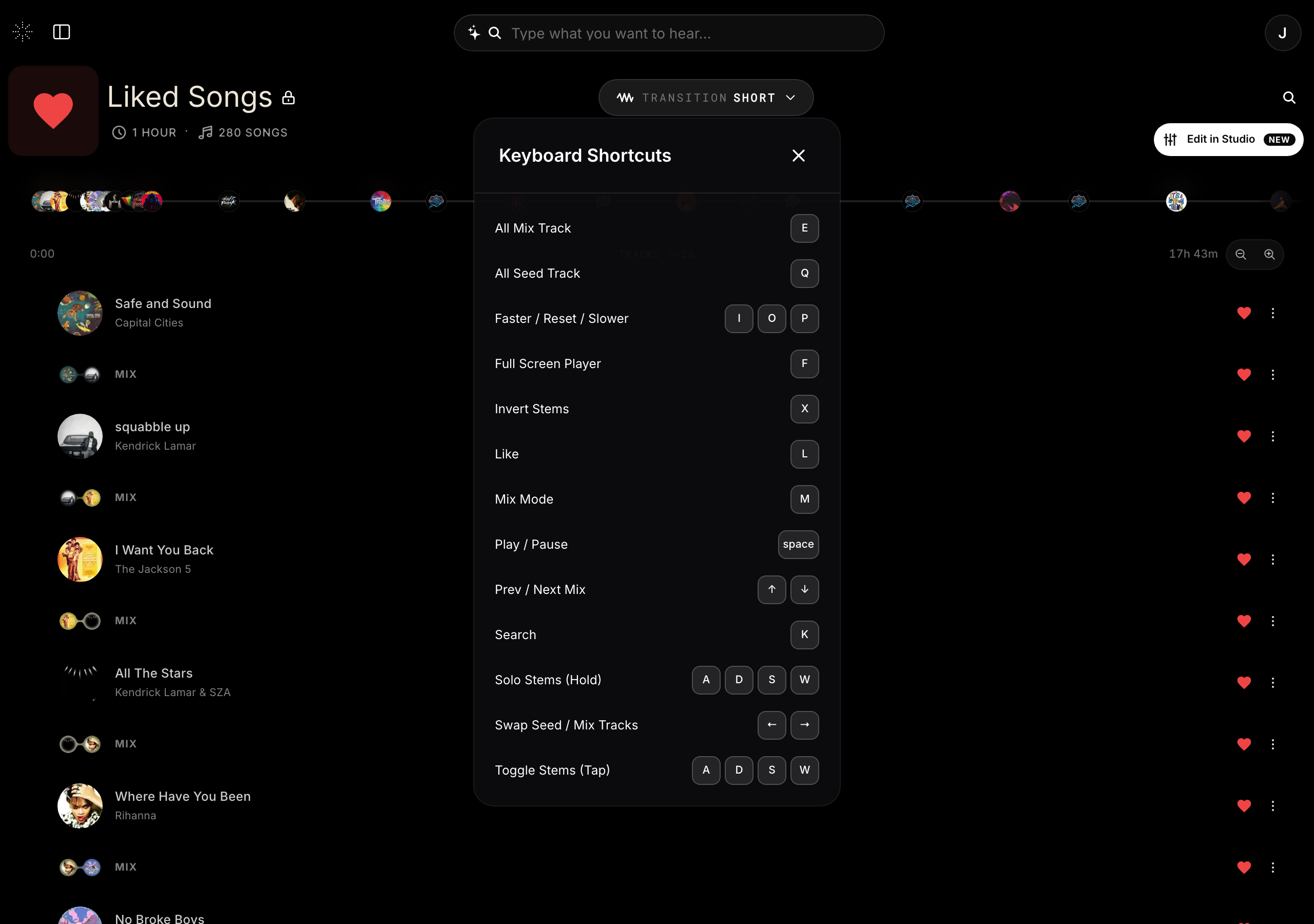
See the full list
Open the menu from the top-right and choose Keyboard Shortcuts to see every shortcut available, grouped by what it does.
The essentials
- Play and pause without leaving the keyboard.
- Skip to the next or previous track.
- Toggle individual stems on and off.