Liking Tracks and Your Liked Set
Save the tracks you love so they are easy to find and sync to your Stem Player.
2 min read. Updated June 25, 2026
Liking a track saves it to your Liked set — a personal collection that follows your account everywhere you sign in.
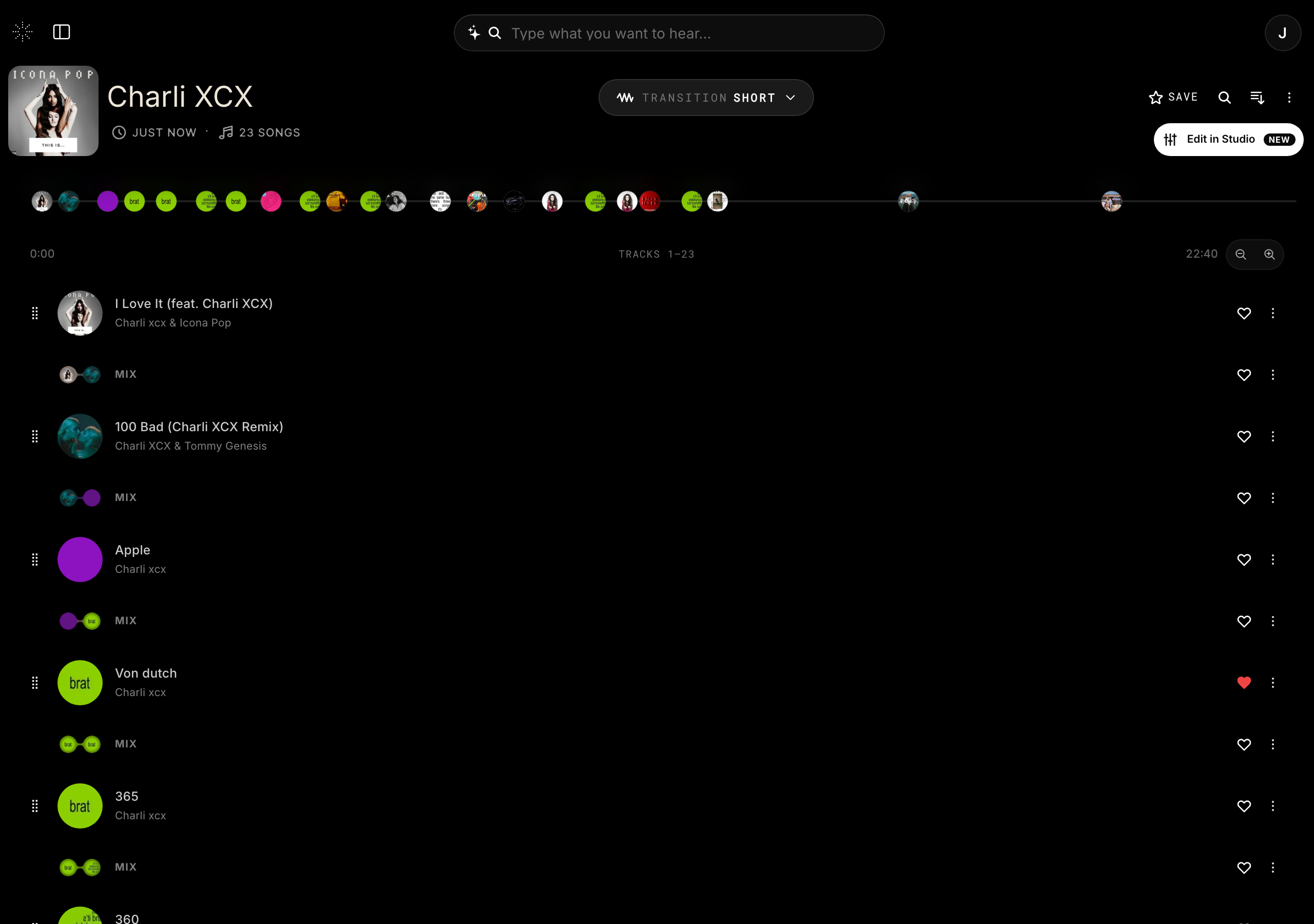
Like a track
- Use the like control on any track to add it to your Liked set.
- Like again to remove it.
- Ask the AI DJ to like or unlike the current mix hands-free.
Why it matters
Your Liked set is also what syncs to Stem 2. New Stem tracks you create on the device show up in your Liked set, and your liked music syncs back down to the device.