Recording Your Mix
Capture a live performance of your mix, then save, download, or add it to a session.
2 min read. Updated June 25, 2026
When you find a moment worth keeping, record it. StemFM captures your mix as you perform it — every mute, isolate, and transition — so you can keep the take.
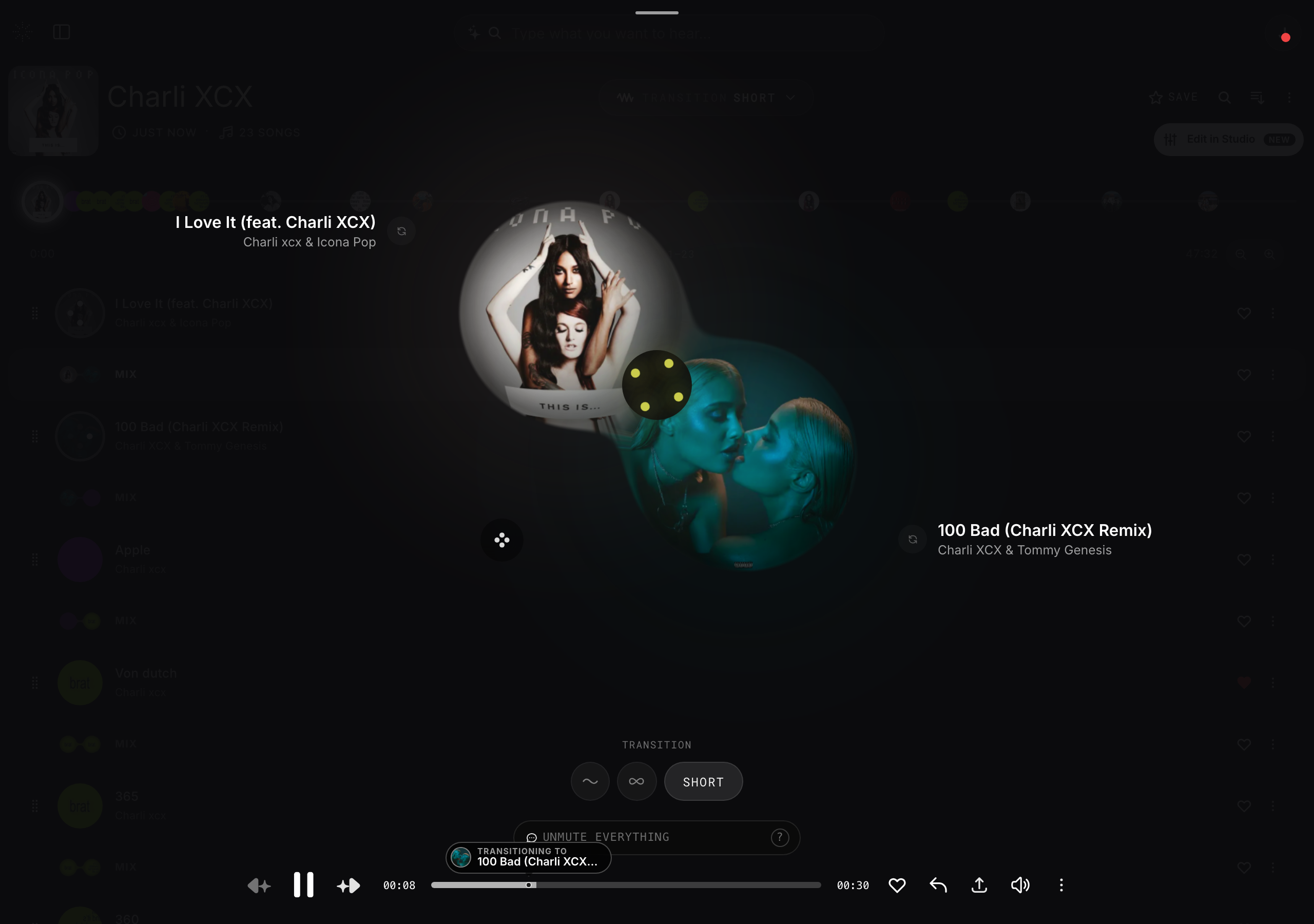
Record a take
- 1
Set up your mix
Get the session playing the way you want it.
- 2
Start recording
Use the recording control in the player and perform your mix live.
- 3
Stop when done
End the recording to get a finished take.
Keep it
- Download the recording to your device.
- Save it into a session so it lives in your library.
- Share it like any other mix.