Refreshing a Mix
Re-roll the remix for a track to hear a fresh take without changing the song.
2 min read. Updated June 25, 2026
Refreshing a mix generates a new interactive variant for a track in your session. The song stays the same — what changes is how StemFM pairs and transitions it, giving you a fresh version to play with.
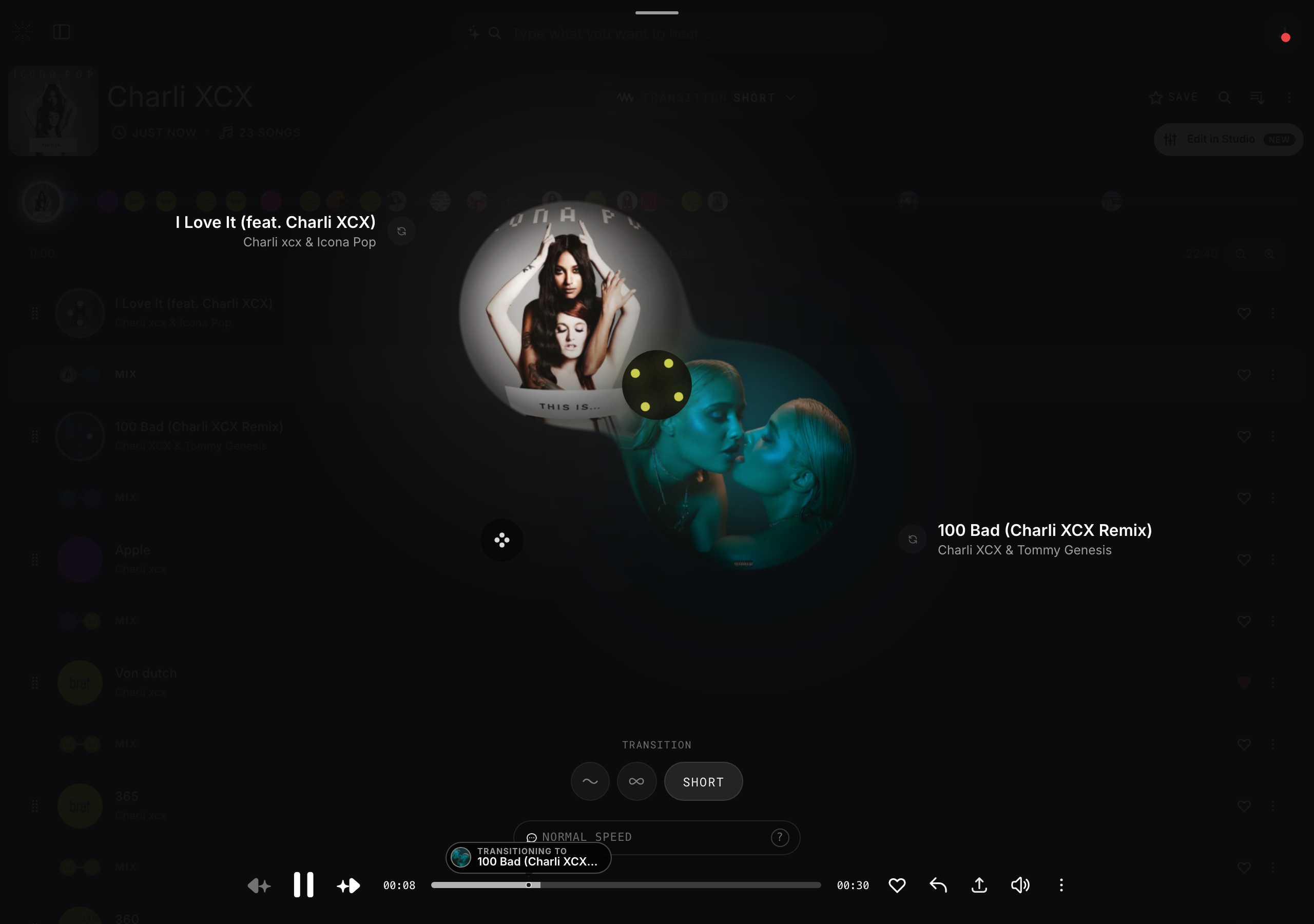
Refresh a track
- 1
Open a session
Find the track you want to re-roll in your track list.
- 2
Refresh the mix
Use the refresh control on the track to generate a new variant.
- 3
Keep what you like
Refresh again any time for another take, or leave it on the version you prefer.