Sharing a Mix Snapshot
Capture your exact stem balance and selections and share them as a playable link.
2 min read. Updated June 25, 2026
A mix snapshot captures the state of your mix — which stems are selected and how loud each one is — so someone else can open the exact version you made.
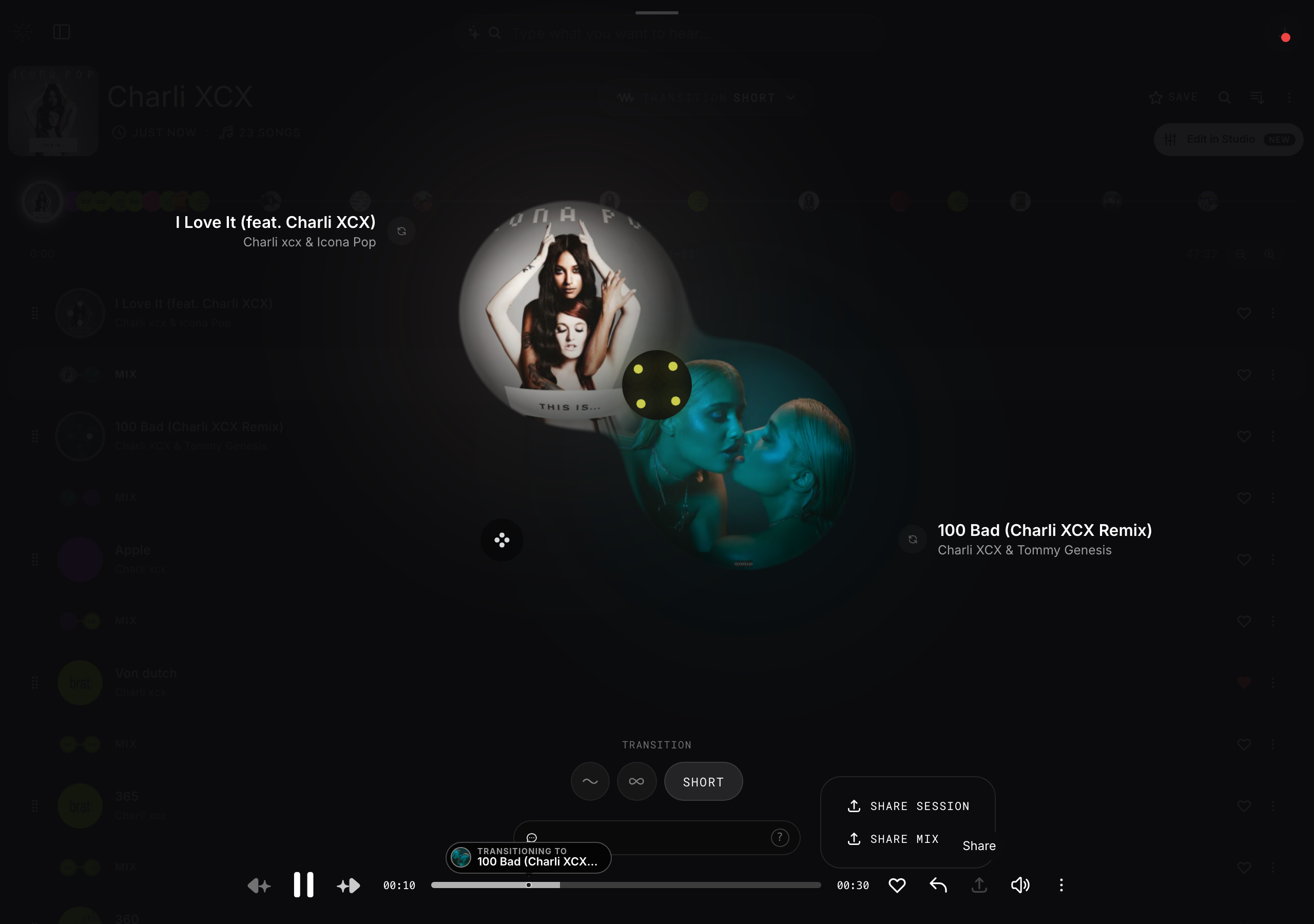
Share a snapshot
- 1
Set up your mix
Mute, isolate, and balance the stems the way you want them.
- 2
Open the track options
Use the share control on the track or mix.
- 3
Copy the link
StemFM creates a link that carries your stem selections and volumes.
- 4
Send it
Anyone who opens the link hears your version and can keep remixing from there.