Uploading Your Own Stems
Already have separated stems? Upload all four directly instead of re-splitting a mix.
2 min read. Updated June 25, 2026
If you already have a track split into its parts, you can upload the stems directly. StemFM skips separation and uses your files as-is — ideal for your own productions or pre-separated material.
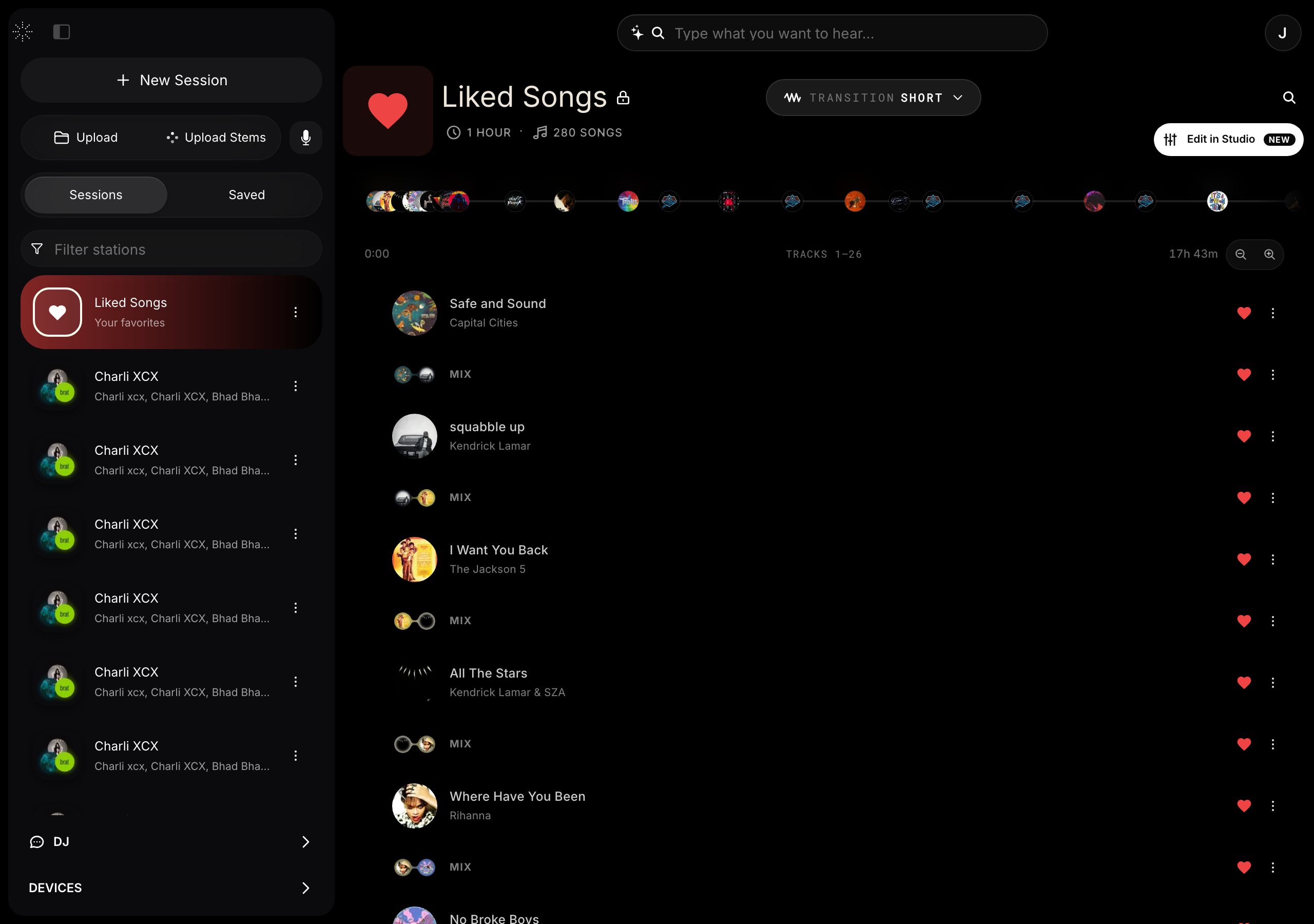
Upload four stems
- 1
Open uploads
In the sidebar, open the upload options and choose to upload stems.
- 2
Add each stem
Provide your vocals, drums, bass, and melody files.
- 3
Use it like any track
Your stems become an interactive track you can isolate, loop, and mix.