Voice Commands
Talk to StemFM out loud — speak a command and the AI DJ does it.
2 min read. Updated June 25, 2026
You do not have to type to control your mix. Voice input lets you speak a command and StemFM carries it out — the same things the AI DJ understands, hands-free.
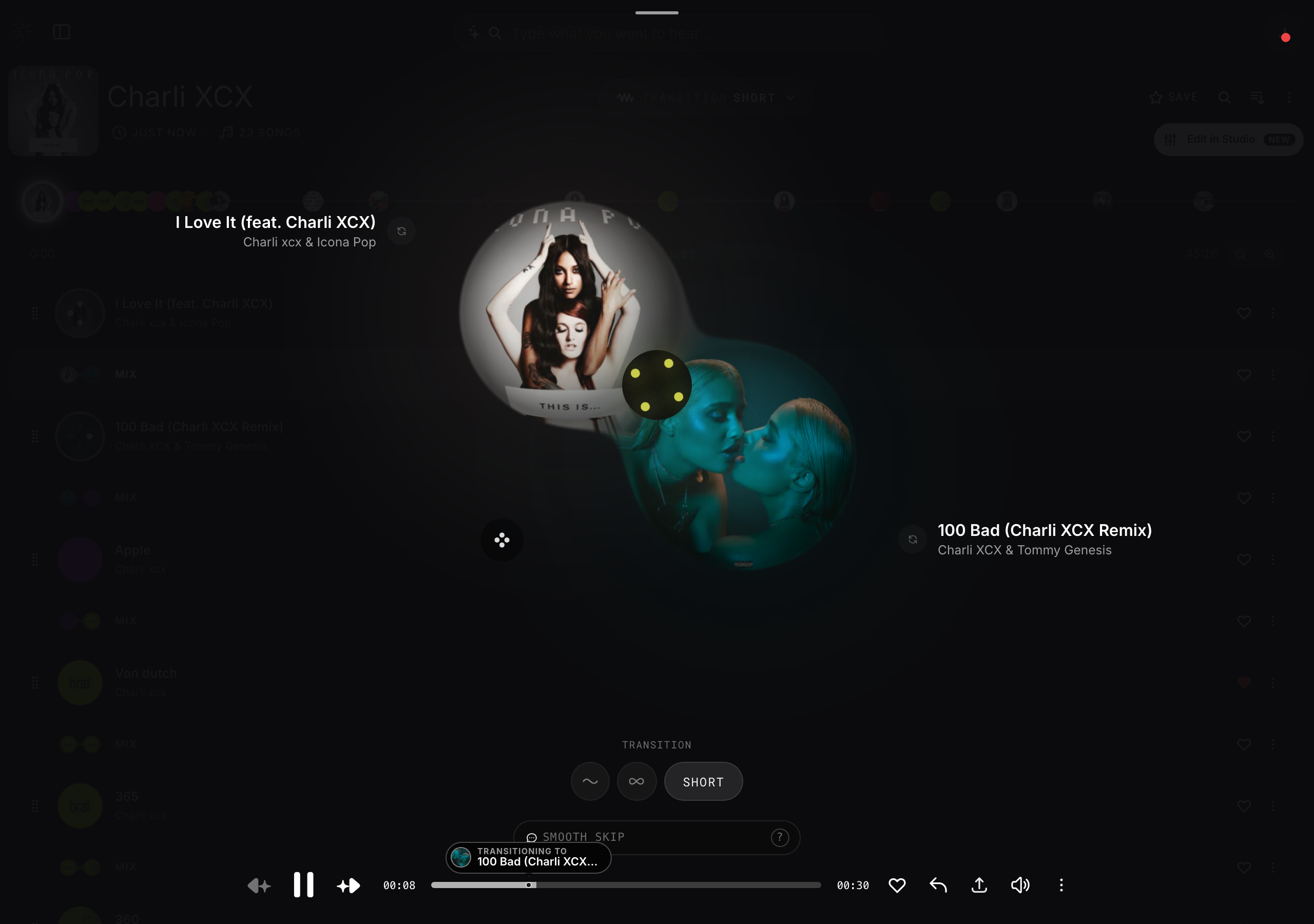
Use your voice
- 1
Start voice input
Use the microphone control next to the DJ command pill.
- 2
Speak a command
Say something like “mute the vocals”, “loop four bars”, or “switch to infinite”.
- 3
Hear it happen
StemFM applies your command to the mix in real time.