Your Library and Sidebar
Find your saved sessions, uploads, and devices in the StemFM sidebar.
2 min read. Updated June 25, 2026
The sidebar is your home base in StemFM. It holds your saved sessions, your uploads, and your connected devices — everything you have made or added, in one place.
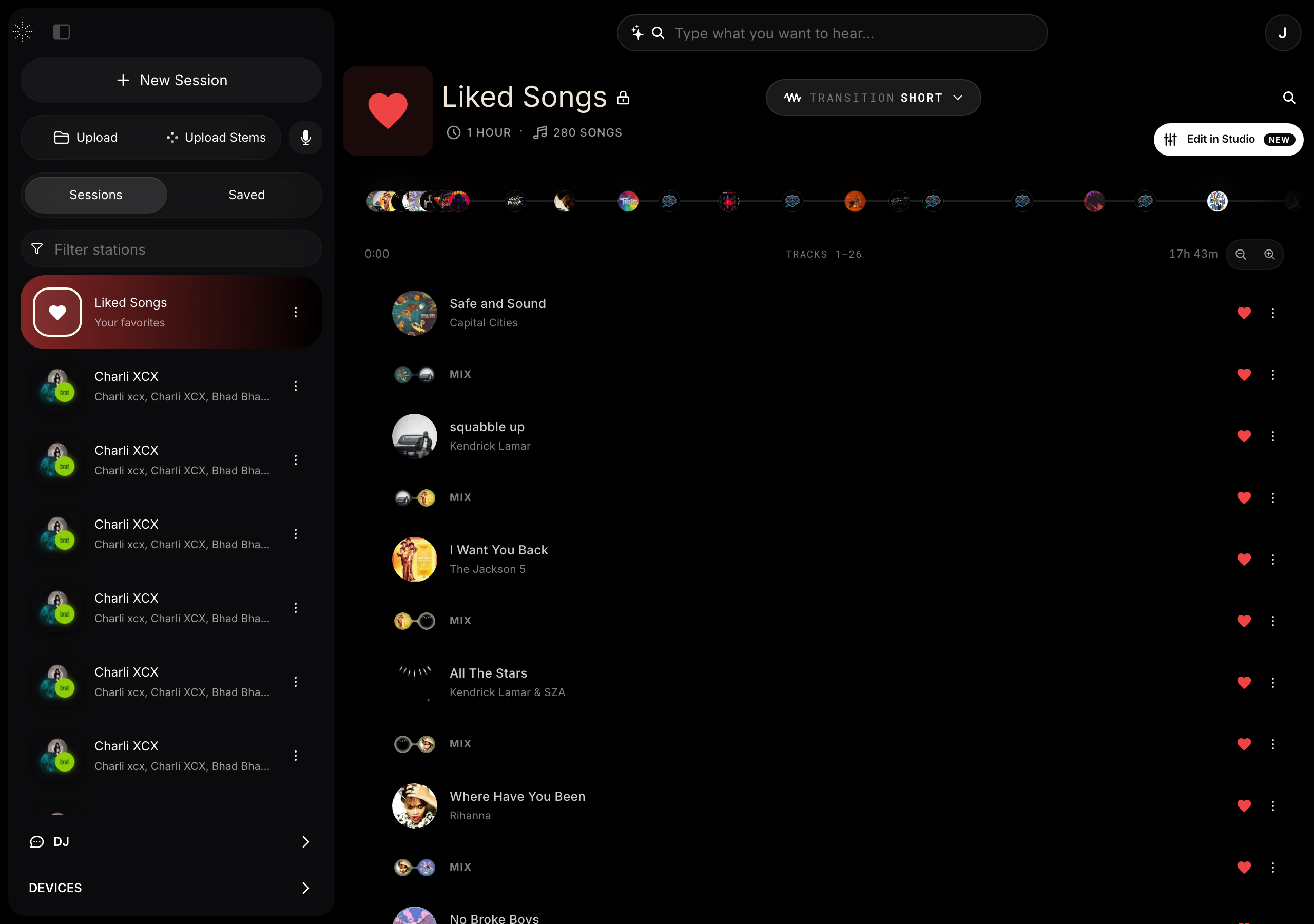
What’s in the sidebar
- Your sessions — everything you have built or saved, ready to reopen.
- Uploads — add your own audio or stems to use in sessions.
- Devices — your connected Stem Players and their synced content.
- Filters — narrow a long library down to what you are looking for.
Open and close it
Toggle the sidebar from the top-left to give the player more room, or bring it back to browse your library.