Account and Subscription
Manage your StemFM account, sign in across devices, and understand your subscription.
2 min read. Updated June 25, 2026
Your StemFM account keeps your sessions, playlists, liked music, and Stem Player settings in sync across every device you sign in on.
Signing in
- Sign in with the email you used to set up your account.
- Your library and playlists appear automatically once signed in.
- You can be signed in on multiple devices at the same time.
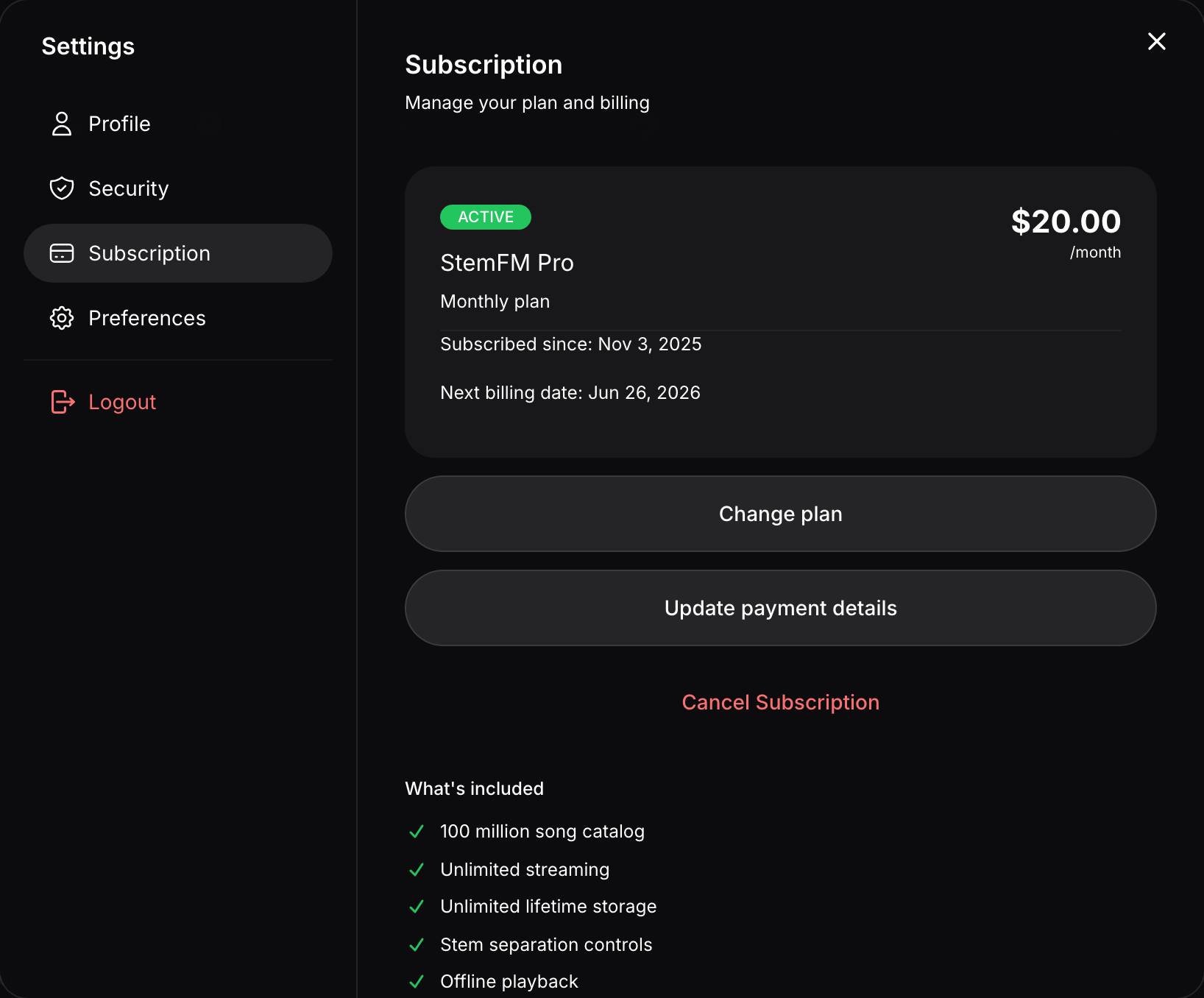
Managing your subscription
Open Account Settings and choose the Subscription tab to view your current plan, update payment details, apply a promo code, or change your subscription. Changes take effect from your next billing date.