Subscribing to StemFM Premium
Unlock unlimited access with a monthly or yearly StemFM subscription.
2 min read. Updated June 25, 2026
A StemFM subscription unlocks unlimited access to all features — unlimited splitting, mixing, and creating across the web app and your Stem Player.
Subscribe
- 1
Open Account Settings
Go to your account and open the Subscription tab.
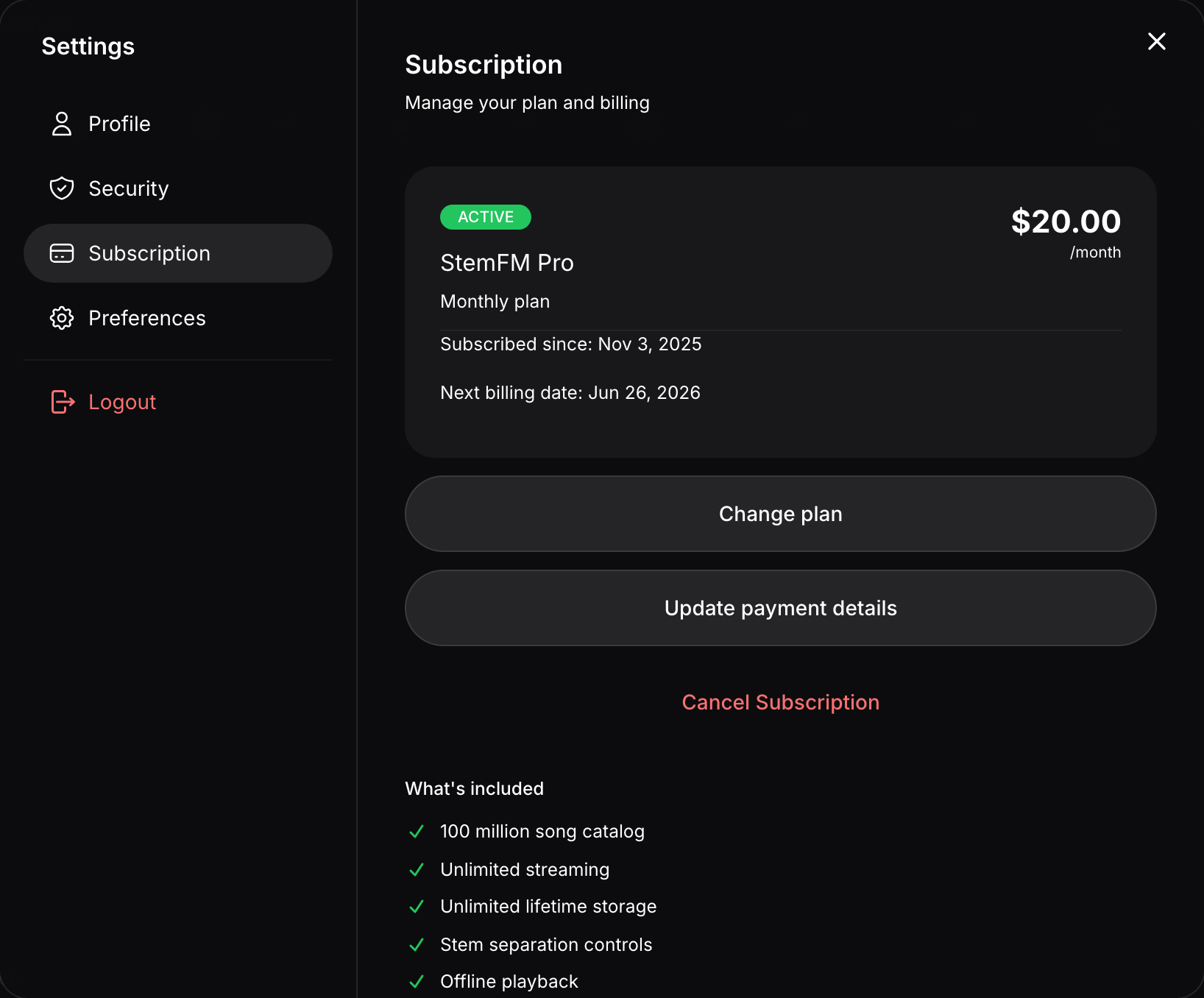
The Subscription tab — your plan, pricing, and a promo code field. - 2
Choose a billing cycle
Pick monthly, or choose yearly to save 17% over paying month to month.
- 3
Enter payment details
Complete checkout securely to activate Premium.
- 4
Start creating
Your plan shows as Active, with your next billing date listed.