Resetting Your Password
Reset a forgotten password or change it from your account security settings.
2 min read. Updated June 25, 2026
If you have forgotten your password, you can reset it by email. If you are already signed in, you can change it from your account.
Forgot your password
- 1
Open the sign-in screen
Go to sign in and choose the reset password link.
- 2
Enter your email
Use the email associated with your StemFM account.
- 3
Open the email
StemFM sends a reset link. Open it to continue.
- 4
Set a new password
Enter and confirm a new password to finish.
Change it while signed in
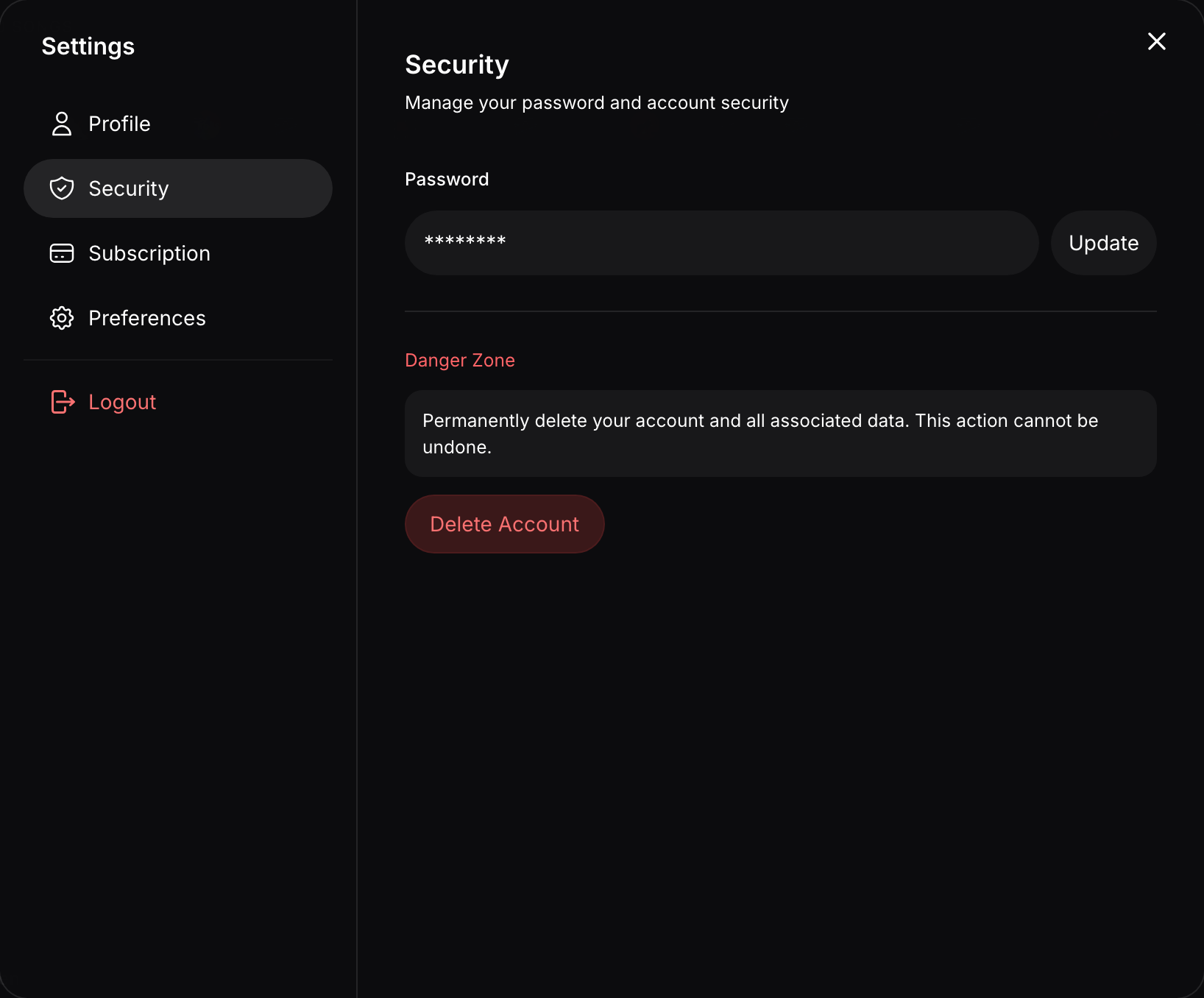
Open Account Settings and go to the Security tab to update your password directly, without needing a reset email.