Changing or Cancelling Your Subscription
Switch billing cycles, update payment details, or cancel — and know what happens to your access.
2 min read. Updated June 25, 2026
You manage everything about your plan from Account Settings → Subscription, including switching cycles, updating payment, and cancelling.
Make a change
- 1
Open the Subscription tab
In Account Settings, find your active plan and its next billing date.
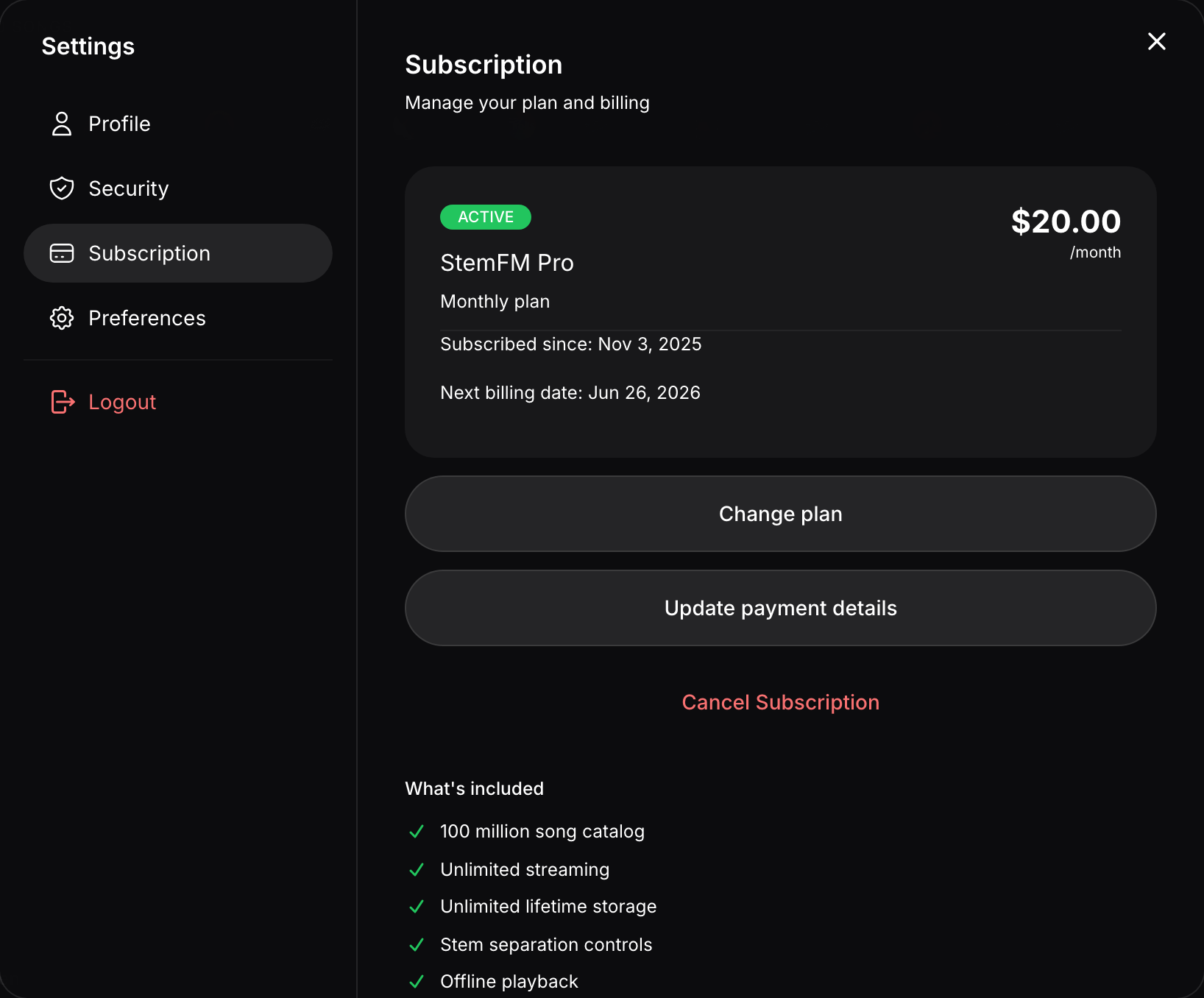
From here you can change your plan, update payment, or cancel. - 2
Update payment or cycle
Change your payment method or switch between monthly and yearly billing.
- 3
Cancel if you need to
Choose to cancel; your plan is marked to end at the current period’s end date.
What happens when you cancel
- You keep premium access until the end of the period you have already paid for.
- Your account, sessions, playlists, and liked music stay intact.
- After the period ends, you simply lose access to premium features until you resubscribe.